
Focus Lock.
Scheduled windows where chosen apps wait. Access is earned, and temporary.
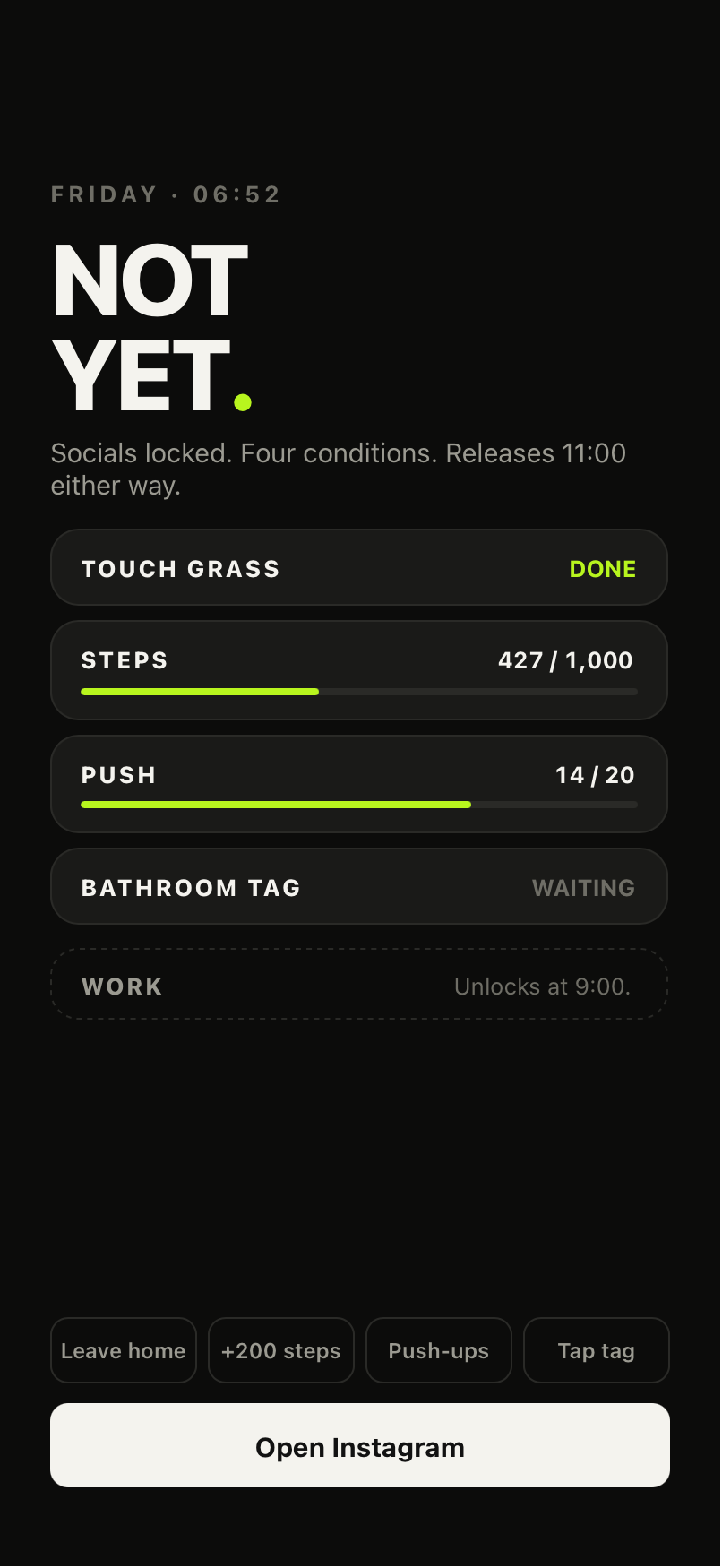
What a lock looks like.
Focus Lock uses the same shield as a morning rule — the difference is that the window, not a challenge, is what ends it.
What it is
Focus Lock blocks the app groups you choose during time windows you schedule — lunch break, afternoon slump, study time, evenings. Same lock as the morning, any hour. Different app groups can have different windows.
Focus Now
Focus Now starts a Focus Lock right now, for 5, 15, 30, 45 or 60 minutes (15 by default). Choose the apps once, then start it from the app, the Home Screen widget or Siri. It ends when the time is up.
The flow
01 — Window starts. Selected apps are blocked.
02 — Genuinely need in? Earn a short break.
03 — Apps unlock for 5, 15 or 30 minutes (15 by default).
04 — They relock automatically.
05 — Repeat until the window ends.
The window is the condition
Unlike a morning rule there is no challenge that ends a Focus Lock: the window ends when it ends. Force-quitting NOT YET does not release it. Focus Lock is independent of your other rules — completing a morning challenge never ends a Focus Lock, and vice versa.
Why the break is so short
It's deliberate. You get in when you genuinely need to, and one quick check can't quietly become another two-hour scroll.
Emergency Override
Always there, always works: a ten-second hold with a visible progress ring and a cancel — deliberate, never an accidental tap, and never buried in settings. Overrides are recorded in your own history and never punished: no shaming, no streak penalty, no notification to anyone.
Override releases everything that isn't social, always. Social is the one category you decide about in advance: release it too (the default), or hold it until the rule completes or the window closes. Phone, emergency calling, Messages, Maps and Find My are never restricted in the first place.
NOT YET is a strong boundary, not a prison — we don't claim it's impossible to bypass.
Editing, pausing, deleting
Focus Lock → select a window → Edit to change times, apps or the earn-back task; toggle it off to pause; delete removes it entirely. Changes to a currently-active window take effect when you confirm.
Who it helps
People whose attention disappears at known hours — doomscroll spirals, deep work, study, lunch-hour scrolling, evening work boundaries. Many users with ADHD tell us scheduled friction helps them; NOT YET is a consumer tool, not a medical treatment, and makes no medical claims.