
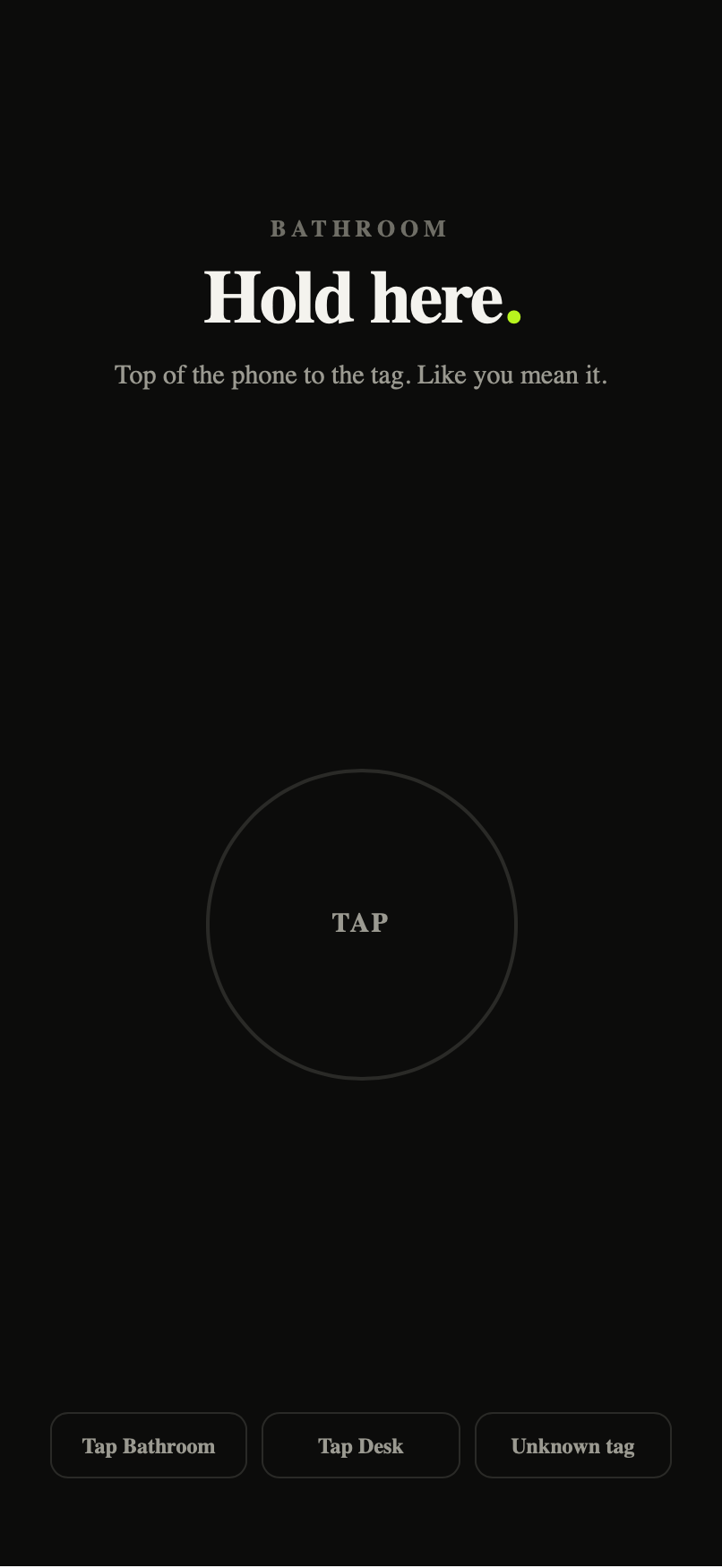
Tap, set up once.
Register the tag, name it for where it lives, test it. It reads offline, every morning after.
Do I need a NOT YET Tag?
For Tap, yes. Tap uses NOT YET Tags, and the Wake Alarm can take steps as proof instead. The NOT YET Tag — a circular full stop, on-metal and ferrite-backed, with finishes, packs and prices shown in the shop, plus shipping — is the premium physical option. Your tag is registered to your device and validated locally, so tapping works entirely offline with no server round trip.
Supported tags
Tap works with NOT YET Tags. Register yours in the app, hold your iPhone to it once, and it is bound to your phone. Any iPhone that runs NOT YET (iPhone 11 and later, on iOS 26) reads it.
iPhone compatibility
Tag reading uses the iPhone's built-in NFC reader. NOT YET requires iOS 26 or later.
Registering a tag
Rules → Tap → Set up Tap → hold the top of your iPhone against the tag → name it for where it lives ("Bathroom mirror", "Kitchen"). Registration is handled on your phone; raw tag contents aren't uploaded.
Testing a tag
After registering, the app offers a test tap. If it reads in the test, it'll read at 6:52am.
Multiple tags
Register as many as you like — different tags for different rules (bathroom for the alarm, front door for the morning rule).
Troubleshooting
Tag won't read: hold the TOP edge of the iPhone flat against the tag for a second; remove thick cases; avoid metal surfaces directly behind the tag.
Wrong tag: the app tells you which tag it expected — it won't accept the kitchen tag for the bathroom rule.
Damaged tag: if a branded Tag stops reading under normal use, see returns & replacements. A phone-side NFC problem isn't a Tag fault — support will help you tell the difference.